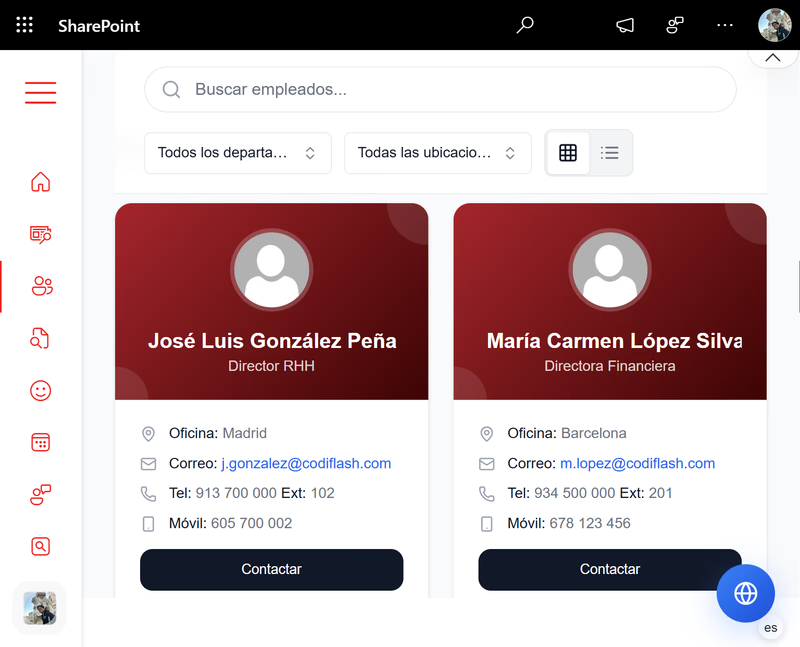
Employee Directory
Search by name, department, or role.
It’s time to centralize documents, streamline onboarding, and reduce repetitive HR and IT requests. Built on Microsoft 365. Typical implementation: 2–5 weeks. Together, we’ll build a customized intranet that empowers your team to do their best work.

If these sound familiar, a custom SharePoint intranet can help. We design solutions that address each.
Documents scattered across drives and email—no single source of truth
HR spends time on routine questions instead of strategic work
IT handles repetitive tickets and maintenance instead of innovation
Information silos—teams and locations don't know what others are doing
Typical implementation: 2–5 weeks.
Structured workshops with HR, IT, and department leads to map workflows, pain points, SharePoint experience, and adoption goals.
Information architecture, navigation, governance model, and branding — built around your organization, not a generic template.
Hub sites, page templates, web parts, Power Automate workflows, and Microsoft 365 integrations delivered within your tenant.
User acceptance testing, admin training, launch communications, and 30-day hypercare included as standard.
Centralize policies, benefits, and onboarding. Reduce routine inquiries so HR can focus on strategy and talent.
SharePoint intranets integrate with your Microsoft 365 stack. We handle architecture, permissions, and maintenance so your team focuses on strategic work.
Standard in every intranet we deliver. Configured to your workflows.
Search by name, department, or role.
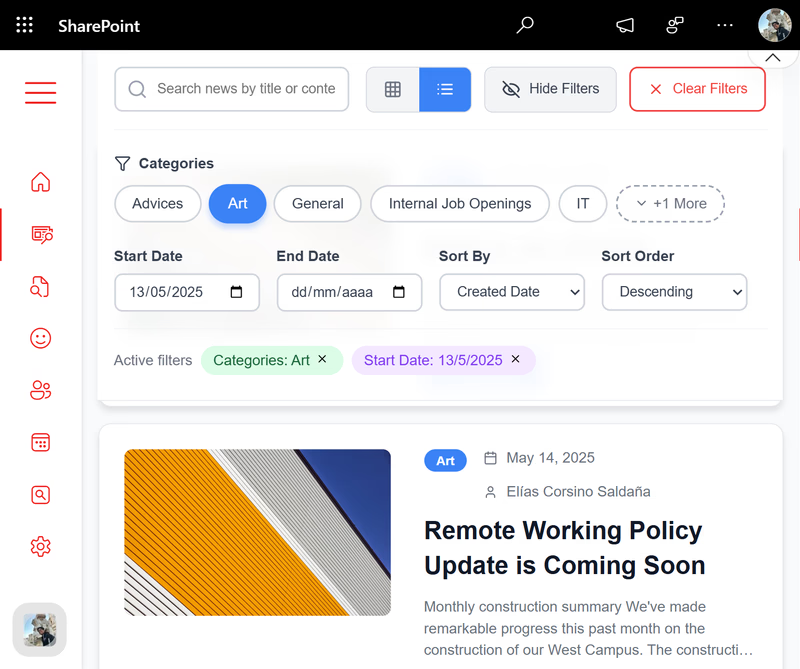
Filter news, documents, and people. Results in one place.
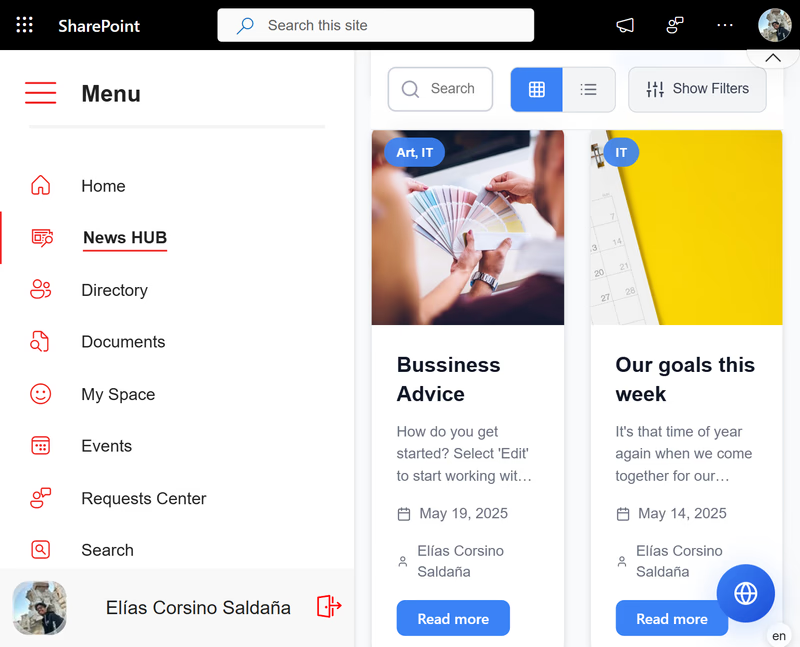
Access from desktop, tablet, and mobile.
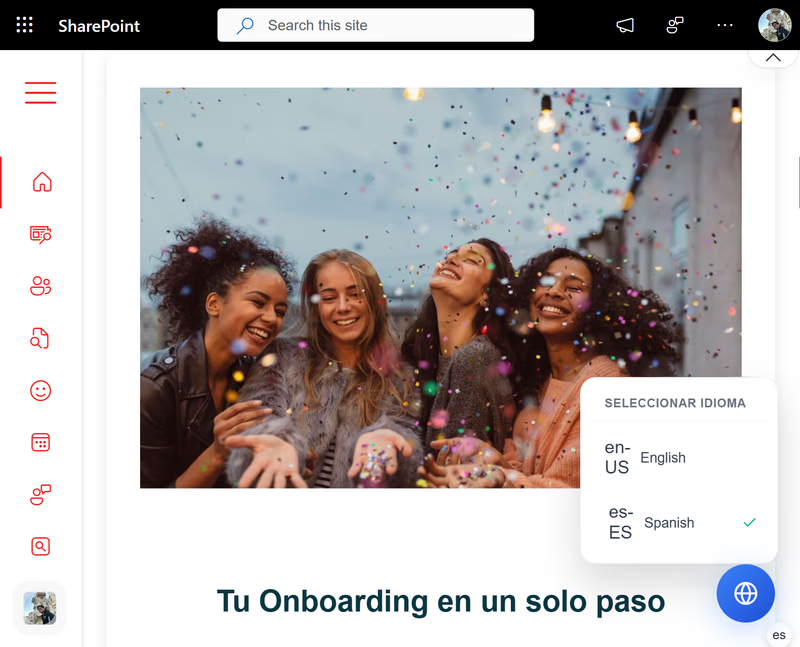
Content in multiple languages and regions.
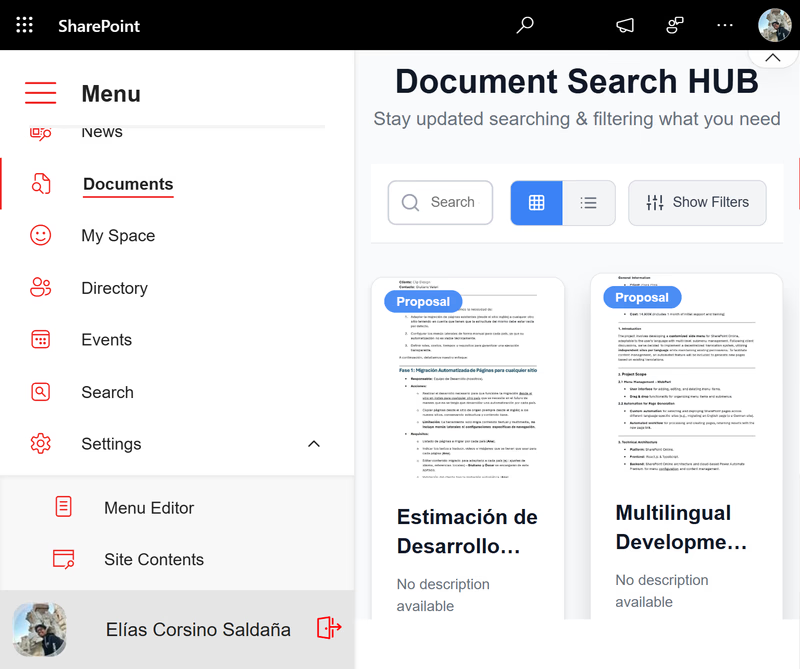
Documents, tasks, and communication by team or project.
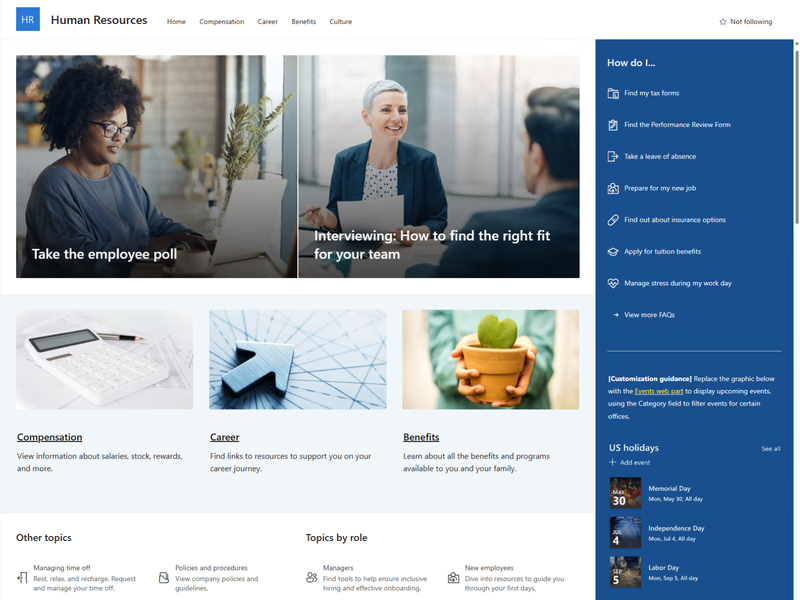
Self-service for requests, forms, and training.
Based on client feedback. Outcomes vary by scope and adoption.
65%
65% reduction in onboarding time
100%
100% of key documents organized and accessible
70%
70% fewer internal emails for routine questions
80%
+80% satisfaction in internal communication
"Elias delivered our HR portal on time. The team adopted it quickly and we've seen a significant reduction in repetitive HR inquiries."
"We migrated from a legacy intranet to SharePoint with CodiFlash. The process was smooth and the new document management structure has improved our team's productivity."
"Professional, responsive, and knowledgeable. Elias understood our needs from day one and delivered a solution that fits our organization."
One platform, configured for HR, IT, and leadership. Each team gets what they need.
Leave requests, onboarding, benefits, and policies in one place.
Announcements, KPIs, and culture—visible to the right people.
Centralized manuals, access control, and automated workflows.
Answers to the questions we hear most often before starting an implementation.
You just need an active Microsoft 365 subscription. We take care of everything: architecture, design, permissions, and support.
Depending on the scope, between 2 and 5 weeks. We start with a consultation to define your priorities and provide a tailored quote.
Absolutely! We integrate your intranet with Microsoft 365 tools to automate tasks, visualize data, and improve collaboration.
Yes. We include training sessions, technical support, and custom manuals so your team can get the most out of the intranet.
Pricing depends on scope: number of sites, integrations, and custom features. We offer a free consultation to assess your needs and provide a tailored quote. Most projects range from 2–5 weeks of implementation.
Our SharePoint intranet solutions include architecture design, branding, document management, employee directory, news hub, HR portal features, and Microsoft 365 integration. We also provide training and ongoing support.