 codiflash
Types of Intranet: Which One Is Right for Your Company?
Explore the main types of corporate intranets — cloud, on-premise, hybrid, social, collaborative, traditional, and mobile — and find out which one fits your organization's needs.

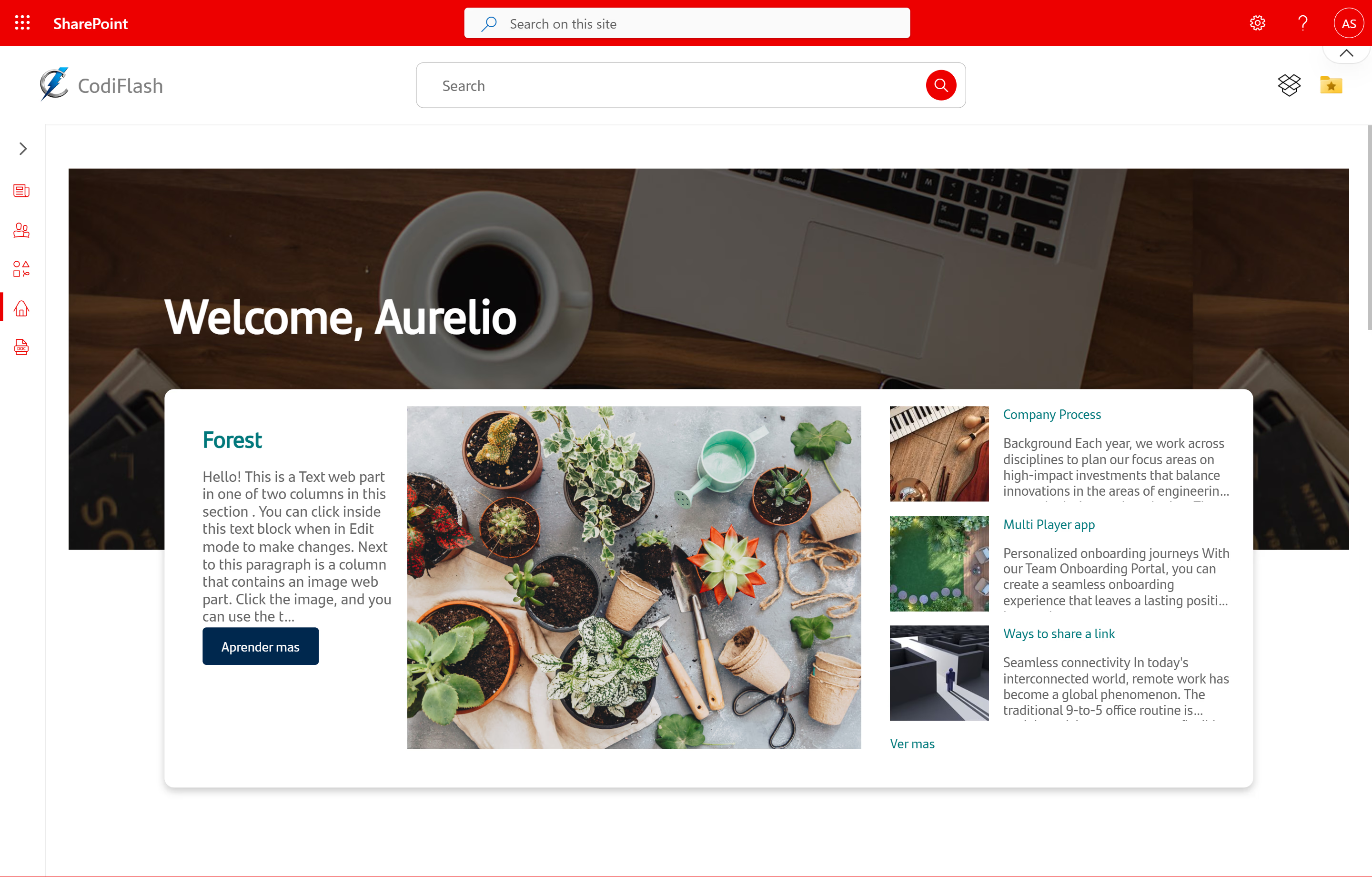
Not all intranets are the same
And that makes sense. A logistics company with drivers out in the field doesn’t need the same thing as a law firm with 30 people on the same floor. A multinational with regulated data can’t build the same thing as a tech startup.
The problem is that a lot of intranet projects fail — not because the platform is bad, but because they chose the wrong type for what they actually needed. Or worse: they didn’t even know they had options.
So before we talk platforms or budgets, it’s worth understanding what types of intranets exist and what each one actually does.
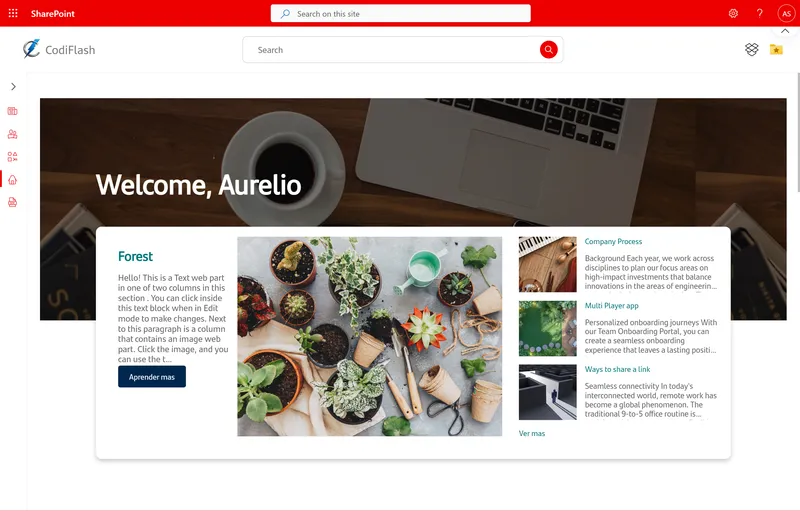
Two ways to classify an intranet
Intranets can be looked at from two angles: how they’re built technically (infrastructure) and what they’re used for day-to-day (functionality). Both dimensions matter, and ideally you think about both at the same time.
1. By infrastructure and hosting
Cloud intranet
The company doesn’t manage servers. An external provider hosts the platform, handles maintenance, updates, and security. Access is remote and works from anywhere with a connection.
This is the dominant option today. Costs are predictable, scaling is nearly instant, and you don’t need a large technical team to keep it running. Most modern platforms like Microsoft 365 or SharePoint Online work exactly this way.
The one area where some clients hesitate is data control. If your company operates in heavily regulated sectors — healthcare, banking, defense — this may require more analysis before committing.
On-premise intranet
Everything installed on the company’s own physical servers. Maximum control, maximum responsibility.
Your data never leaves your infrastructure, which for certain regulated industries is a non-negotiable requirement. But you have to account for hardware costs, licenses, maintenance, updates, and the internal team to manage it all.
This option is declining. Fewer companies are choosing it from scratch, though many still run legacy installations they haven’t migrated yet.
Hybrid intranet
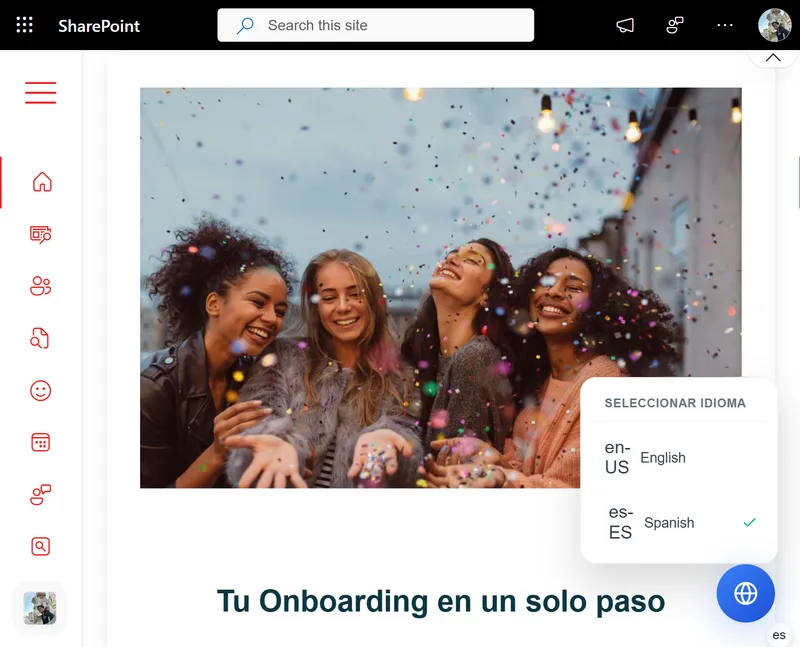
The middle ground that more and more companies are choosing. Sensitive data stays on local servers; everything else moves to the cloud for better accessibility and remote work support.
It’s more complex to manage, sure. But for organizations with compliance requirements that also need to support distributed teams, it’s usually the most balanced solution.
2. By functionality and use
Social intranet
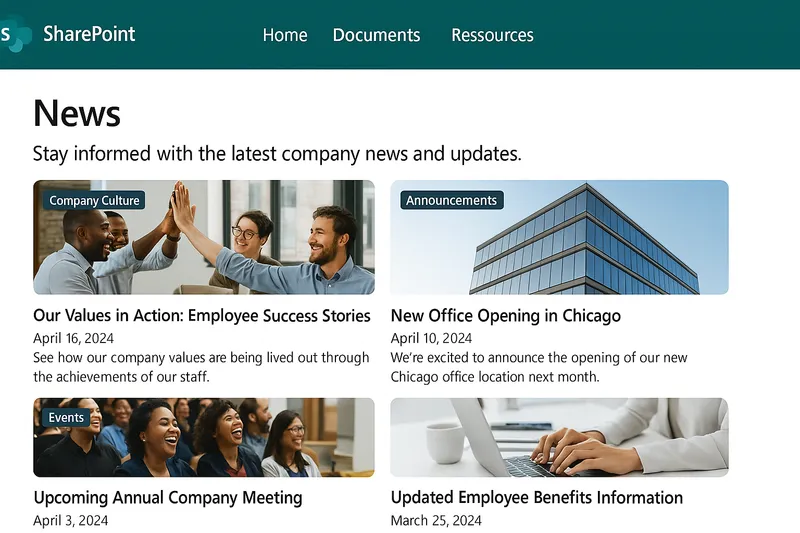
Think of a social network, but for internal use. News feeds, employee profiles, discussion forums, direct messaging, reactions, comments. The goal is to build community and encourage informal communication between people who might never cross paths in the hallway.
This works especially well in large or highly distributed companies where people don’t know each other. The risk is that without a clear content strategy, it either stays empty or fills up with noise that no one finds useful.
Collaborative intranet
Not the same as social. A collaborative intranet is designed for people to actually work together effectively: real-time document editing, project tracking, task management, approval workflows.
The focus is on team performance, not social interaction. This is where tools like SharePoint combined with Microsoft Teams really shine — a space where work actually happens, not just gets announced.
Traditional intranet (knowledge management)
The classic type. A centralized repository with manuals, policies, procedures, directories, forms, and official communications. Static by nature, built for looking things up more than interacting.
Is it outdated? Not necessarily. For companies where regulatory compliance or internal training is a priority, this type of intranet is still essential. What has evolved is how that content is presented: no more endless walls of text, but organized, searchable sections that people can actually navigate.
Mobile intranet
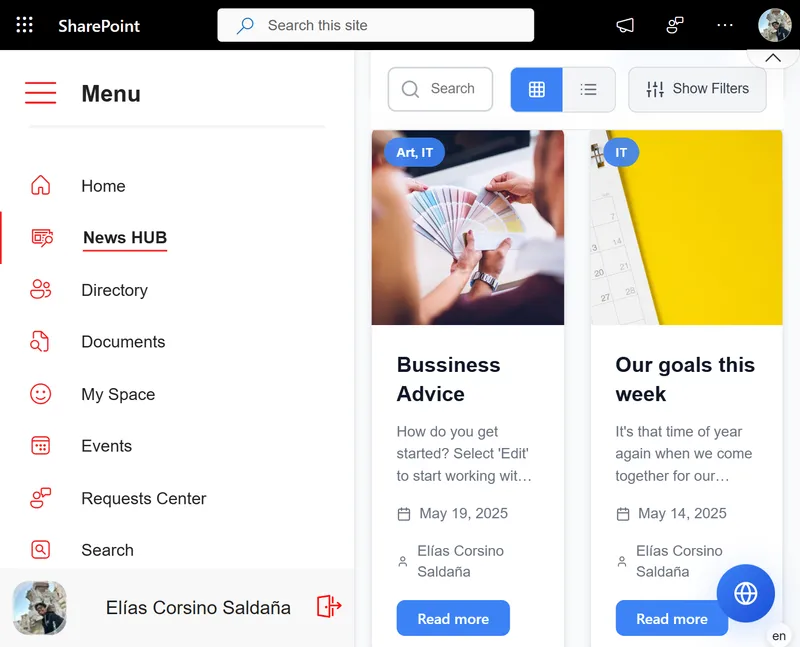
When a large part of your workforce operates without a desktop computer, the intranet has to be designed mobile-first. Delivery drivers, store staff, field technicians, nurses — people who need to access critical information from their phone, quickly, without friction.
A traditional intranet that isn’t optimized for mobile simply won’t get used. And if nobody uses it, it doesn’t exist.
Which type does your company need?
The honest answer is: probably a combination.
Leading platforms like Microsoft SharePoint, Powell, or Simpplr let you implement features from multiple types at the same time. You don’t have to choose between social or collaborative, or between cloud and on-premise in many cases. You can have a solid document management foundation (traditional), collaborative modules, a decent mobile experience, and communication channels that feel social.
What you do need to decide first is what your priorities are. Do you have remote teams? Mobile and cloud are non-negotiable. Are you handling highly sensitive data? Hybrid or on-premise deserves a serious look. Is your main problem that people just don’t communicate? A social intranet might be the right entry point.
Those questions are what separate an intranet people actually use from one that gets abandoned in six months.
Need help figuring out which type of intranet fits your company? Tell us about your situation and we’ll work it out together.