 codiflash
These SharePoint site examples show what a well-designed intranet looks like: home pages, news hubs, document libraries and event calendars. Use them as inspiration for your own SharePoint site, or ask us to build one for you.
SharePoint intranet examples
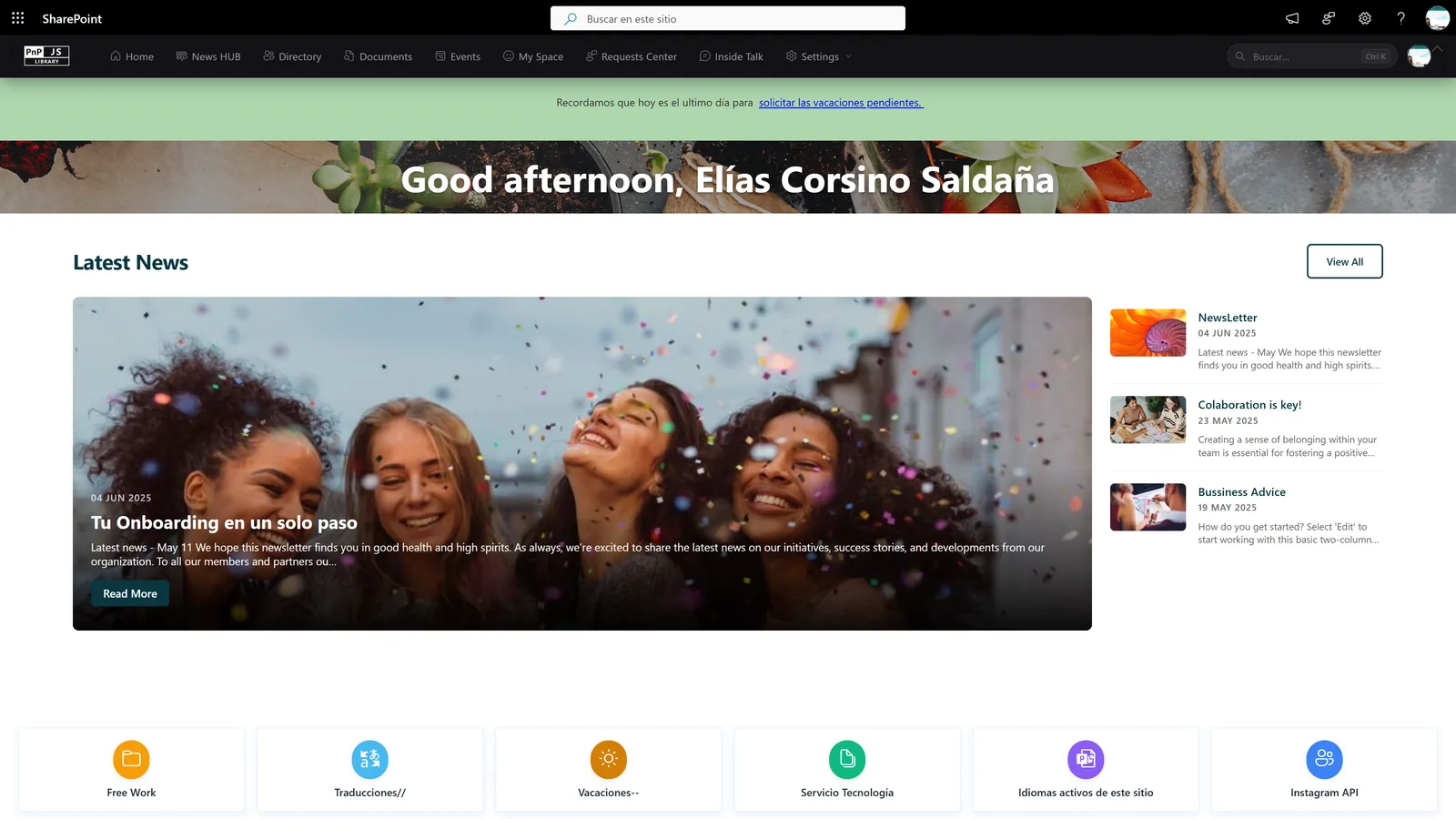
Corporate intranet home
A single start page with a welcome banner, quick links, news and search, built on a SharePoint communication site.
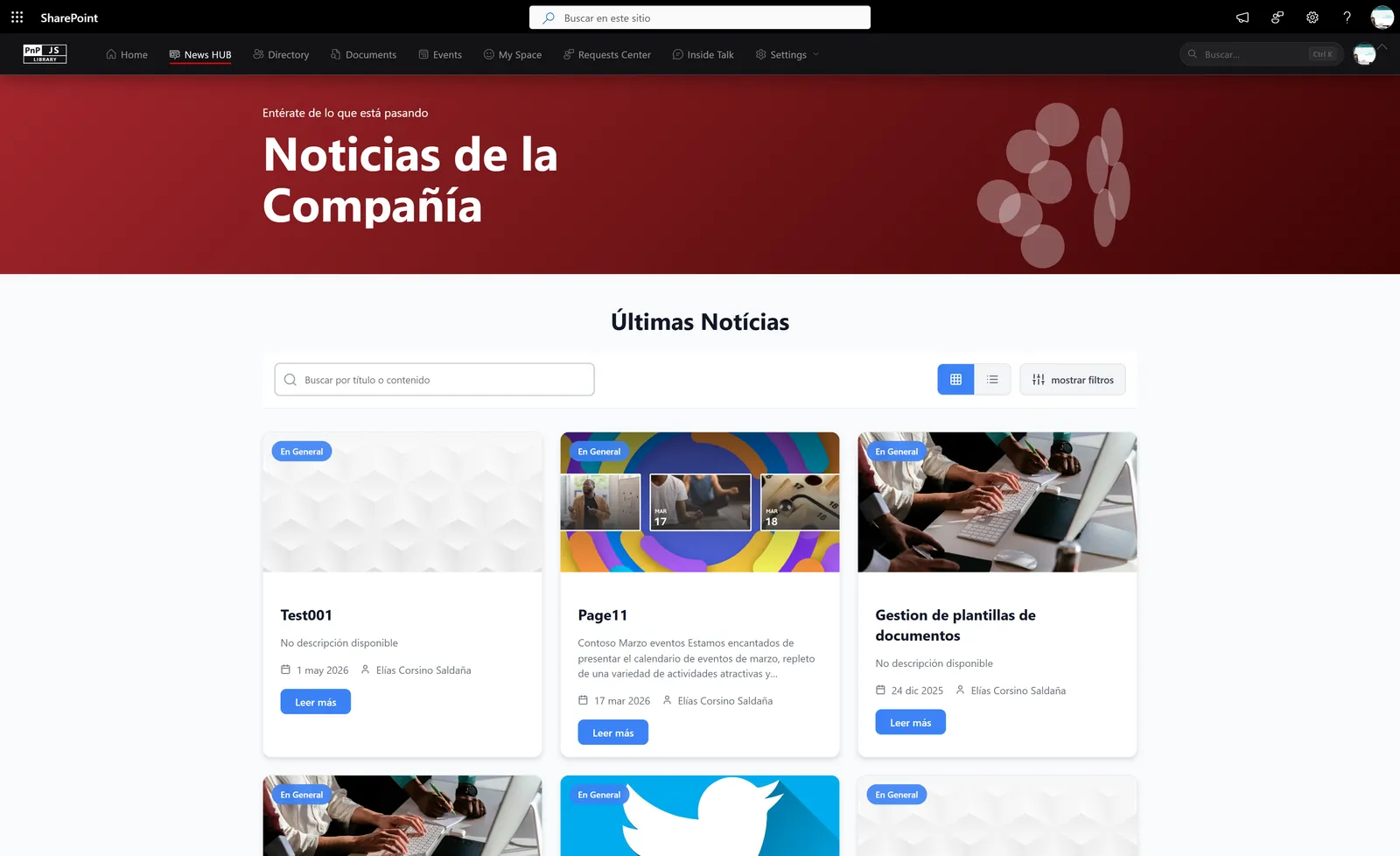
News hub
Company news organised by category, with featured stories and an archive that is easy to browse.
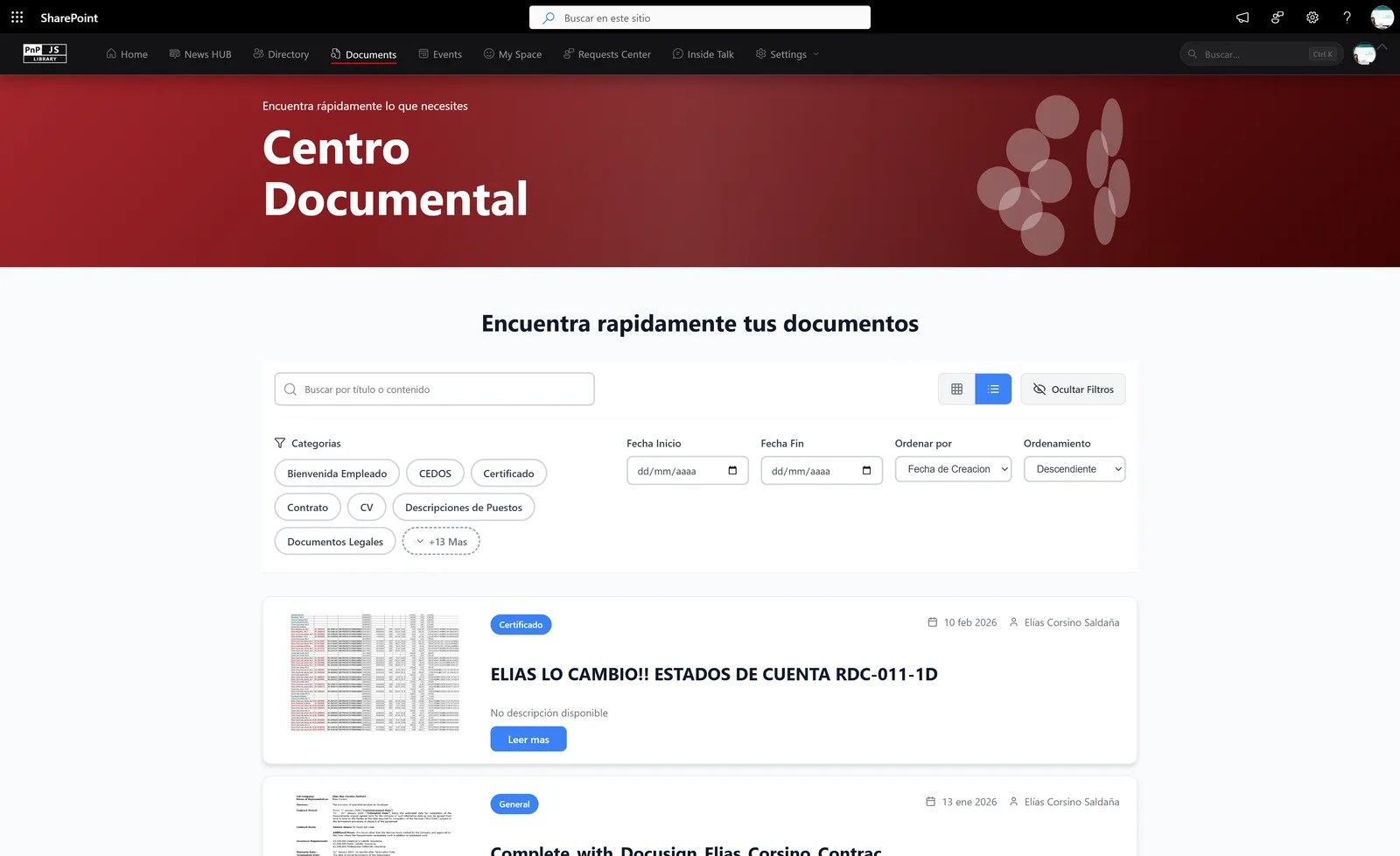
Document center
Document libraries with metadata, filters and permissions, so people find the right file quickly.
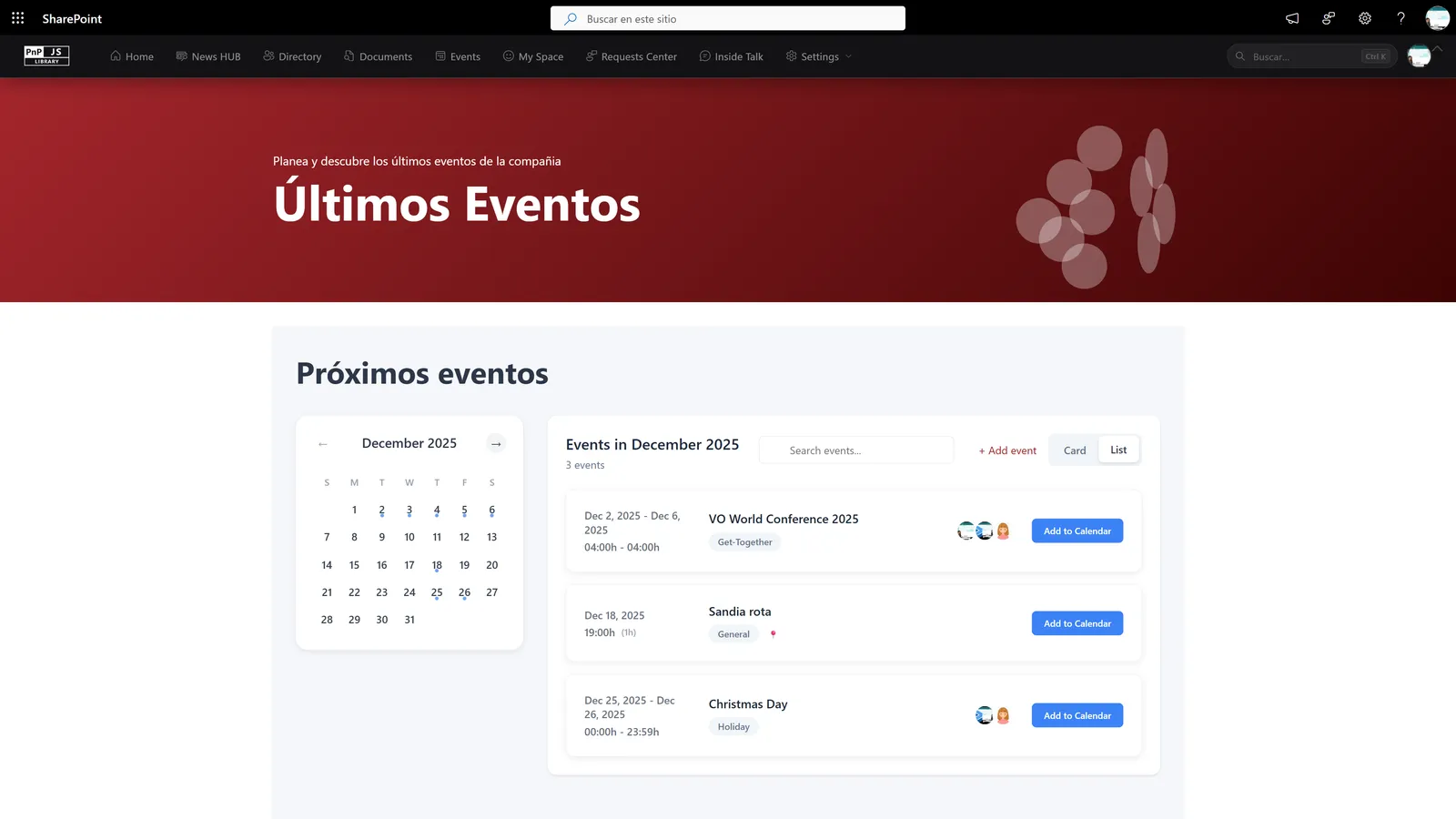
Events and calendar
A shared calendar for company events and registrations, surfaced on the home page.
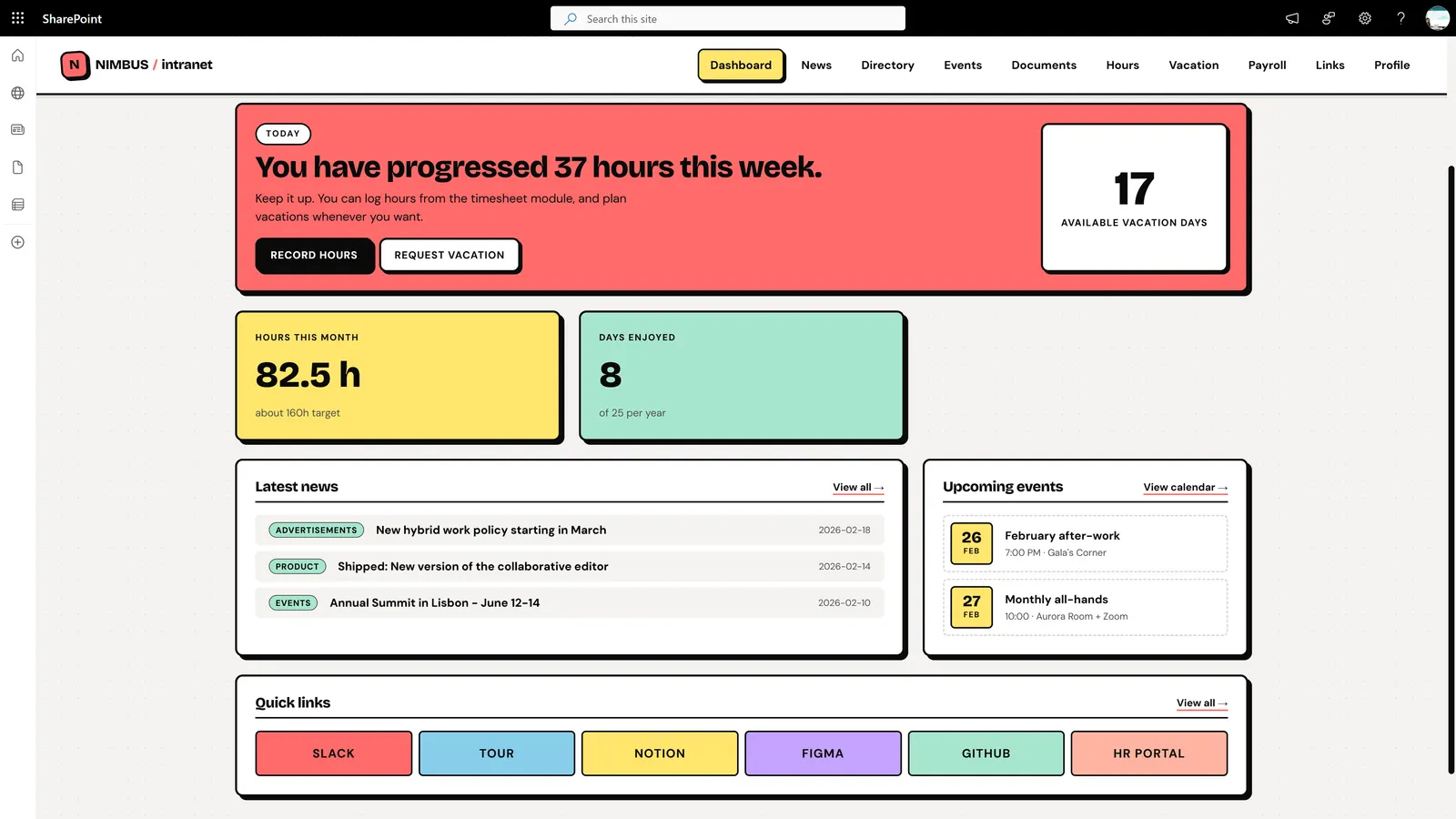
Modern communication site
A clean layout using modern SharePoint pages and web parts, responsive on desktop and mobile.
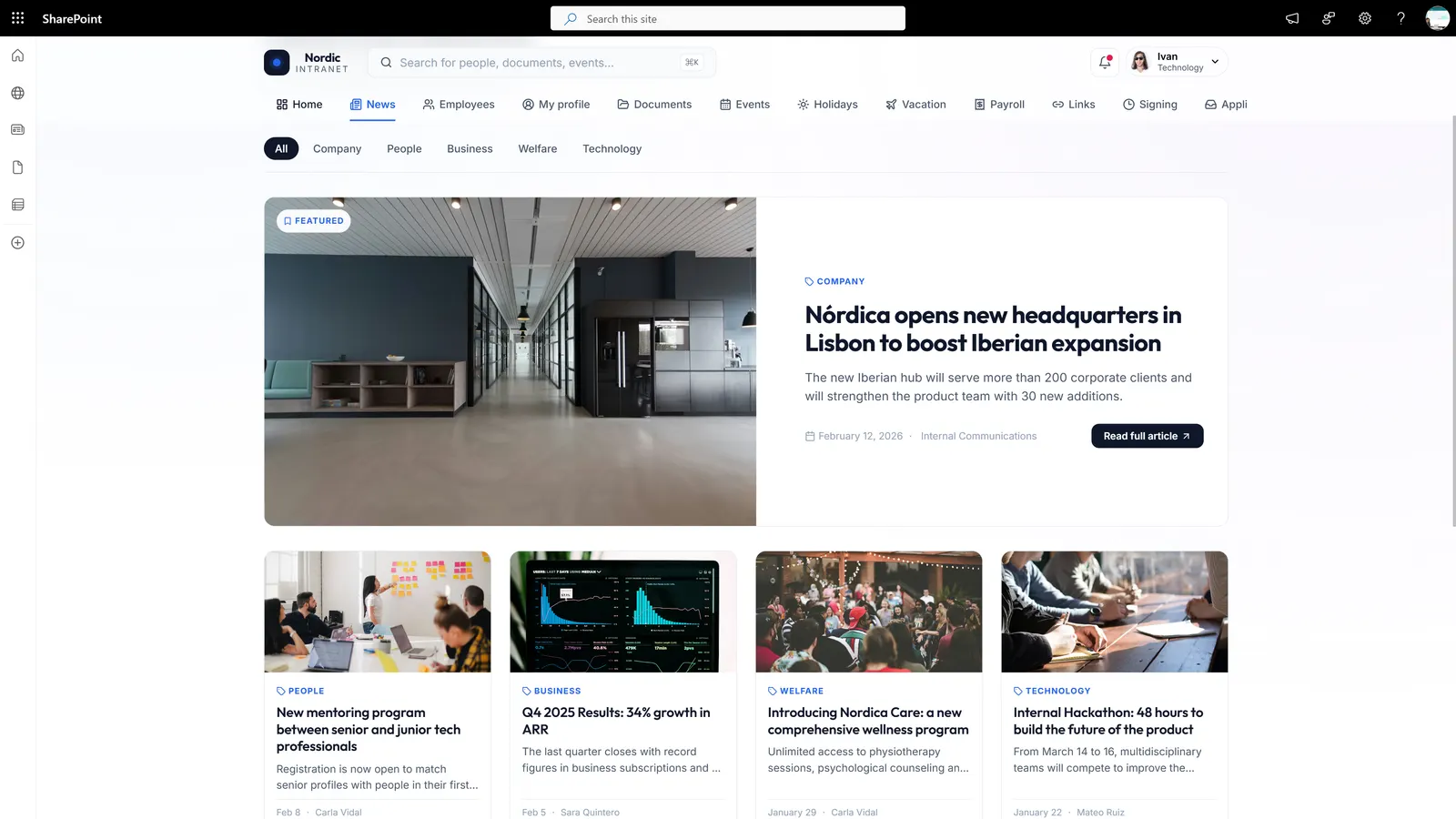
Intranet features overview
The main building blocks of a SharePoint intranet in one view: navigation, news, documents and people.
What makes a SharePoint site work
- Clear navigation: hub sites and menus that follow how people think about work, not the org chart.
- Content people return for: news, events and quick links on the home page, with owners who keep them current.
- Search that finds things: metadata and consistent structure. If yours struggles, read why SharePoint search is not working.
SharePoint templates, ready to adapt
We start from proven layouts for the sites most teams need, then tailor them to your organization:
- Intranet home page with news and quick links
- Team site with document library
- HR and employee portal
- Project and knowledge hub
Frequently asked questions
Are these SharePoint templates free?
The examples are for inspiration. If you want one of these layouts for your own tenant, we adapt it to your branding, permissions and Microsoft 365 setup as part of an intranet project.
Do I need Microsoft 365 to use a SharePoint site template?
These designs run on SharePoint Online, which is included in most Microsoft 365 business plans. Your plan determines which features are available.
Can you build a site like one of these examples?
Yes. Tell us which example is closest to what you need and we will propose a design and scope on Microsoft 365.
How is a custom site different from a SharePoint template?
A template is a starting point. A custom site also covers navigation, governance, content ownership and integrations, which is what makes it useful after launch.
Related: using SharePoint as an intranet, SharePoint intranet development and intranet vs SharePoint.