 codiflash
Egnyte vs SharePoint: Which One Actually Fits Your Use Case? (2026)
Egnyte = secure hybrid file storage for compliance-heavy teams. SharePoint = collaboration + intranet for Microsoft 365 orgs. Not identical tools — here's the real difference.

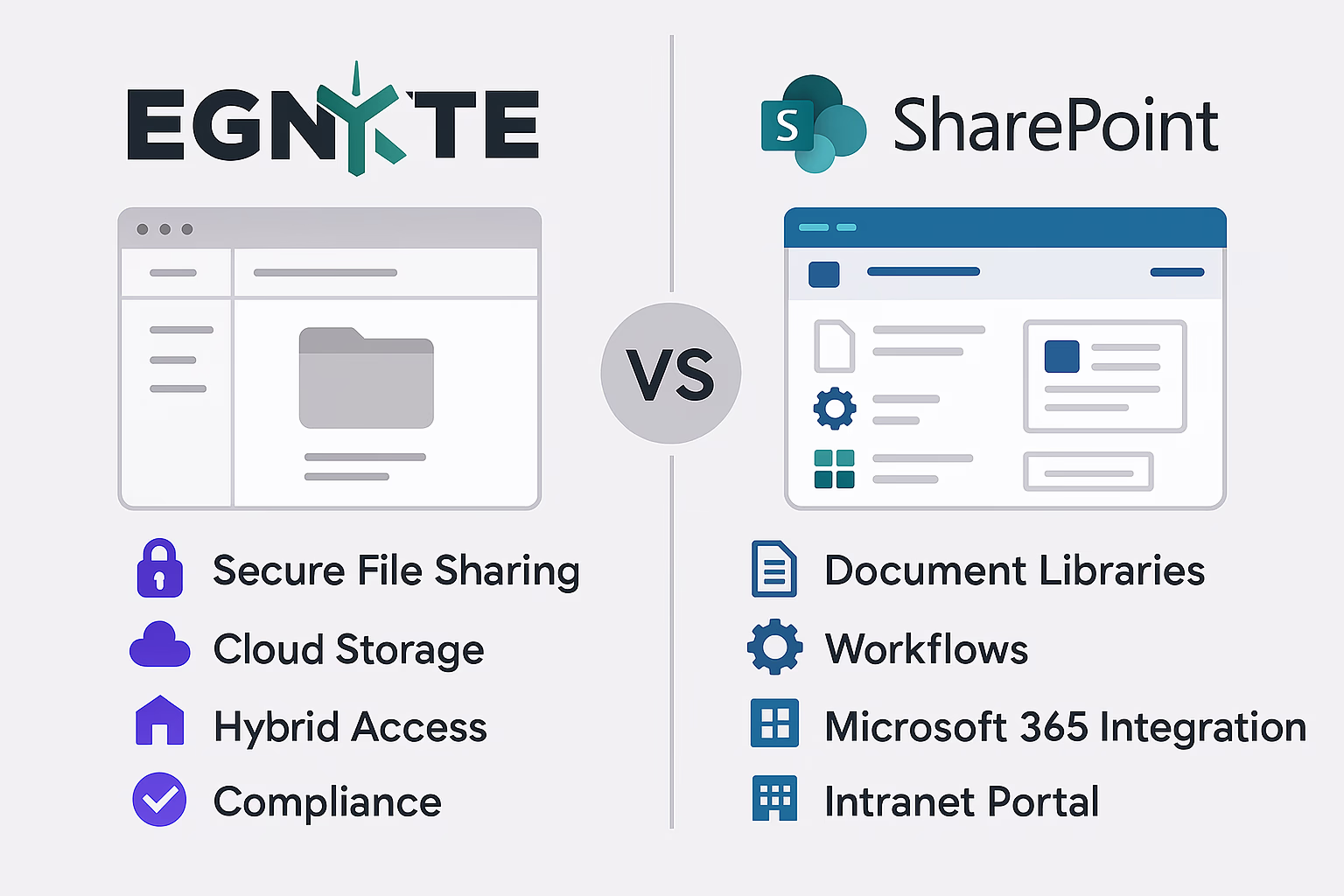
1. Introduction to File Collaboration Tools
Why Businesses Need Secure File Management
As businesses embrace digital transformation, secure file management tools have become essential. From internal documentation to client data, companies need systems that ensure availability, compliance, and easy collaboration across teams.
Evolution of Enterprise Cloud Storage
Enterprise cloud storage has evolved from simple file syncing to sophisticated platforms offering hybrid deployments, granular permissions, automated compliance, and powerful integrations. Two major players in this space—Egnyte and SharePoint—offer distinct approaches.
Quick Comparison: Egnyte vs SharePoint
| Egnyte | SharePoint | |
|---|---|---|
| Primary purpose | Secure file storage & compliance | Collaboration, document mgmt & intranet |
| Deployment | Cloud + hybrid (on-prem sync) | Cloud (M365) or on-premises |
| Best integration | Google Workspace, Salesforce, M365 | Microsoft 365 (Teams, Outlook, OneDrive) |
| Compliance tools | Built-in (HIPAA, GDPR, FINRA) | Via Microsoft Purview & M365 compliance |
| Intranet / portals | Not designed for it | Core capability |
| Collaboration | Basic (via integrations) | Native co-authoring, Teams, workflows |
| Ease of setup | Simple, low IT overhead | M365 cloud simple; on-prem complex |
| Pricing | Tiered SaaS (per user) | Included in Microsoft 365 plans |
| Best for | Compliance-heavy teams, hybrid infra | Orgs already on Microsoft 365 |
2. What is Egnyte?
Overview of Egnyte’s Platform
Egnyte is a cloud-based platform that combines secure file sharing, content governance, and data compliance in a single solution.
Key Features of Egnyte
- Secure File Sharing
- Real-Time Collaboration
- Content Governance
- Cloud and On-Premises Access
- Audit Trails
Egnyte Deployment Options (Cloud/Hybrid)
- Pure cloud for remote teams
- Hybrid for regulatory-heavy or bandwidth-constrained environments
3. What is SharePoint?
Overview of Microsoft SharePoint
SharePoint is Microsoft’s collaborative platform built for document management, intranet creation, and workflow automation.
Key Features of SharePoint
- Document Libraries
- Permissions & Access Controls
- Metadata & Tagging
- Workflow Automation
- Intranet Pages & Sites
SharePoint as Part of Microsoft 365
Seamlessly integrates with Teams, Outlook, OneDrive, and Power BI.
4. Egnyte vs SharePoint: Feature Comparison
File Storage & Access
- Egnyte: Hybrid cloud, offline access
- SharePoint: Cloud-centric with OneDrive sync
Security & Compliance
- Egnyte: AI-powered compliance tools
- SharePoint: Microsoft 365 compliance framework
Collaboration & User Experience
- Egnyte: Simple with Office/Google integrations
- SharePoint: Advanced co-authoring and Teams integration
Integration with Third-Party Tools
- Egnyte: Works with Google Workspace, Salesforce, Microsoft 365
- SharePoint: Deep Microsoft ecosystem integration
Deployment & Infrastructure
- Egnyte: Easy cloud and hybrid setup
- SharePoint: Simple in Microsoft 365, complex on-prem
Pricing Models
- Egnyte: Tiered pricing
- SharePoint: Included in Microsoft 365
5. Pros and Cons of Egnyte
Pros
- Hybrid flexibility
- Strong compliance features
- Easy to deploy
- Good audit tracking
Cons
- Limited native collaboration tools
- Premium pricing for advanced features
- Lacks a full office suite
6. Pros and Cons of SharePoint
Pros
- Seamless Microsoft 365 integration
- Excellent for collaboration
- Scalable
- Rich automation features
Cons
- Steep learning curve
- Complex permissions
- IT involvement required
7. Use Case Scenarios
Best for Small & Midsize Businesses
- Egnyte: Compliance-heavy SMBs
- SharePoint: Microsoft 365 users
Enterprise-Level Needs
- SharePoint has the edge in global scaling and collaboration.
Remote & Hybrid Workforces
- Egnyte: Strong hybrid access
- SharePoint: Best for cloud-native teams
8. Industry-Specific Applications
Egnyte for Regulated Industries
Ideal for healthcare, legal, and finance with built-in compliance.
SharePoint for Government & Education
Trusted for secure document workflows and intranet portals.
9. Performance & User Feedback
Reviews
- Egnyte: Reliable and secure
- SharePoint: Collaborative but complex
Adoption Challenges
- Egnyte: Admin training needed
- SharePoint: Setup and governance require IT input
10. Final Verdict: Egnyte vs SharePoint
Comparison Table
| Feature | Egnyte | SharePoint |
|---|---|---|
| Best For | Compliance, hybrid storage | Collaboration, M365 users |
| Deployment | Cloud/Hybrid | Cloud/On-Prem |
| Collaboration | Basic via integrations | Native M365 tools |
| Compliance | Built-in industry tools | Enterprise-ready |
| Ease of Use | Simple | Complex but powerful |
| Pricing | Tiered | Included in M365 plans |
Recommendation
- Choose Egnyte if compliance and hybrid access matter.
- Choose SharePoint if you prioritize collaboration and already use Microsoft tools.
11. Frequently Asked Questions
Is Egnyte more secure than SharePoint?
Both are secure. Egnyte offers built-in compliance tools while SharePoint benefits from Microsoft’s infrastructure.
Does Egnyte integrate with Microsoft Office?
Yes, including real-time editing and collaboration.
Can SharePoint replace a file server?
Yes, with OneDrive and Teams, SharePoint is a full file server replacement.
What industries prefer Egnyte?
Healthcare, finance, and legal firms due to compliance needs.
Which platform is easier to manage?
Egnyte is simpler for small teams; SharePoint requires IT oversight.
How do prices compare?
Egnyte is priced per feature tier; SharePoint is bundled in Microsoft 365.
When to Choose Egnyte vs SharePoint
Choose Egnyte if:
- Your organization operates in a regulated industry — healthcare, legal, finance — and needs built-in HIPAA, FINRA, or GDPR compliance tooling
- You have on-premises infrastructure or hybrid storage requirements that need to sync with cloud
- Your team uses Google Workspace and needs file storage that works across both ecosystems
- You need granular content governance (data classification, access expiry, audit trails) without heavy IT configuration
- Your primary need is secure file storage, not a collaboration platform or intranet
Choose SharePoint if:
- Your organization already uses Microsoft 365 — SharePoint is included at no extra cost
- You want more than file storage: team sites, intranet portals, news, workflows, and integrations
- Collaboration is a priority — co-authoring in Word/Excel, Teams channels, approval flows with Power Automate
- You need to build an employee intranet or HR portal alongside document management
- Your IT team is comfortable with the Microsoft ecosystem
Can you use both?
Yes. Some organizations use Egnyte as the primary secure file repository (especially for regulated content) and SharePoint for internal collaboration sites and team communication. The two can coexist without conflict.
12. Conclusion
In the Egnyte vs SharePoint debate, both platforms are leaders in their niches. Egnyte dominates in compliance and hybrid access, while SharePoint is the go-to for seamless collaboration within the Microsoft ecosystem.
Choose the one that aligns with your operational priorities and tech infrastructure. Considering a migration to SharePoint or need document management solutions? Contact us for a free consultation.